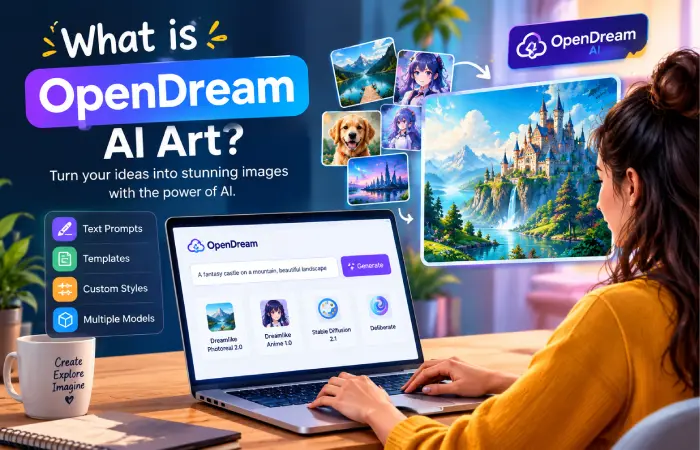
Artificial Intelligence is revolutionizing the method of producing digital art. Rather than spending countless hours drawing, editing, or learning and designing with complex tools and software, you can provide the text prompt of what you want to see and it is translated into an image. OpenDream AI Art is one of the tools and aims to simplify AI image generation for novices, artists, designers and professionals.
Open Dream Open Dream is a simple-to-use online AI art generator that enables you to transform your concepts into images using a straightforward text prompt. Choose templates, edit the style to the way you want it, and work with different AI models to produce different styles of art. The available models include Dreamlike Photoreal 2.0, Dreamlike Anime 1.0, Stable Diffusion 2.1, and Deliberate. The models you have will vary depending on your plan.
This Article Belongs to AI Tools
Table of Contents
What is OpenDream AI Art?
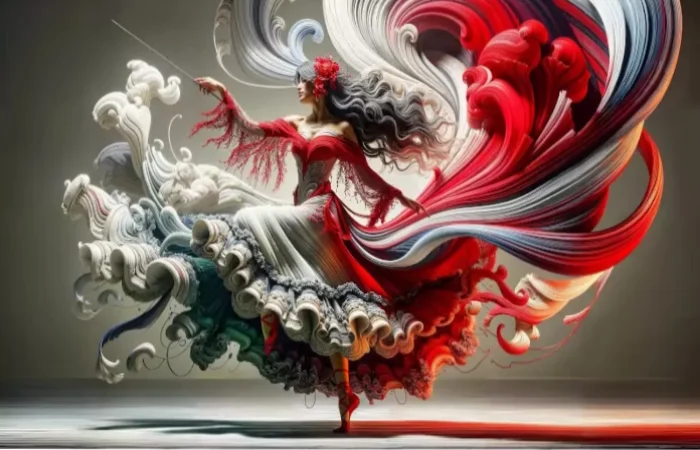
OpenDream AI Art is an online tool that utilizes AI technology to generate images. Enter a prompt and it will generate an image from your prompt.
For example, a user could enter:
Futuristic city at sunset, glass skyscrapers, flying cars, cinematic lighting, ultra high res. AI reading of text and generating an image matching the text description and visual style.
Open Dream runs in any web browser so you won’t have to worry about downloading a troublesome AI program onto your local device. Its official guide states that it can be used by people with varying levels of design experience.
How Does OpenDream AI Art Work?
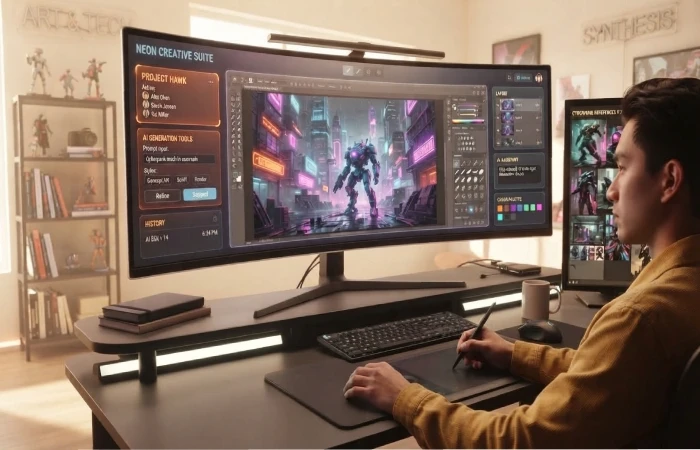
The basic process is straightforward. You provide an image description, select relevant settings, and ask OpenDream to generate the artwork. The platform’s documented workflow includes signing up, selecting an optional template, adjusting styles, entering a prompt, choosing parameters, and generating the image.
Basic OpenDream workflow
| Step | What You Do |
| 1 | Open the OpenDream website |
| 2 | Create or access your account |
| 3 | Select a template if required |
| 4 | Enter your image prompt |
| 5 | Choose a suitable model and settings |
| 6 | Generate the image |
| 7 | Review, save, or share the result |
Another handy feature is that templates can offer predefined settings, so this can be a lot easier for someone just starting out without having to know all of the generation parameters.
Main Features of OpenDream AI Art
OpenDream combines text-based image generation with templates and customization options.
1. Text-to-Image Generation
The main attraction is the ability to turn written descriptions into images. This makes it possible to explore ideas without manually drawing every element.
You can describe subjects such as:
- Landscapes
- Characters
- Buildings
- Animals
- Fantasy scenes
- Product concepts
- Anime artwork
- Logos and icons
- Photorealistic scenes
The quality of the result depends heavily on the prompt, model, and selected parameters.
2. Multiple AI Models
OpenDream’s website currently identifies four image-generation models:
| Model | General Purpose |
| Dreamlike Photoreal 2.0 | Photorealistic-style images |
| Dreamlike Anime 1.0 | Anime-style artwork |
| Stable Diffusion 2.1 | General AI image generation |
| Deliberate | Detailed artistic image generation |
The free plan currently provides access to Dreamlike Photoreal 2.0 and Dreamlike Anime 1.0, while paid access provides additional models.
3. Templates
Templates can make image creation easier because they provide predefined settings and prompts.
OpenDream lists templates covering styles such as:
- Dreamlike artwork
- Photorealistic images
- Anime
- Characters
- Buildings
- Logos
- Animals
- Book illustrations
Templates are particularly useful for beginners who are still learning how prompts and AI image settings work.
4. Image-to-Image Generation
OpenDream also supports workflows in which an existing image is used as the starting point for creating variations. Its guide notes that users can upload existing images to generate multiple variations.
This can be useful when you already have a rough concept and want to explore different visual treatments.
5. Aspect Ratio Selection
The next thing you can do is select the proper aspect ratio when you create a work of art. It is important when you have a specific place in which you want to put an image; like a Facebook banner or a portrait.
How to Write Better OpenDream Prompts
A prompt may be considered the most significant element of AI generation of imagery. If the prompt is insufficiently detailed, an unpredictable image may result – but the more detailed the prompt, the more details provided to the model.
Instead of:
“A beautiful house”
try:
“A modern glass house surrounded by green mountains, early morning sunlight, realistic architectural photography, detailed exterior, natural colours, wide-angle composition.”
A useful prompt can include:
- Subject – What should appear in the image?
- Environment – Where is the subject?
- Style – Photorealistic, anime, illustration, cinematic, etc.
- Lighting – Sunset, studio lighting, soft daylight, dramatic lighting.
- Composition – Close-up, portrait, wide angle, overhead view.
- Details – Materials, colours, textures, clothing, background elements.
Example prompts
| Purpose | Example Prompt |
| Landscape | Misty mountain valley at sunrise, cinematic landscape photography |
| Anime | Young fantasy warrior in an enchanted forest, detailed anime illustration |
| Product concept | Minimalist smart watch on a premium studio background, product photography |
| Architecture | Contemporary luxury villa beside a tropical garden, realistic architectural photography |
| Fantasy | Floating ancient castle above the clouds, dramatic lighting, detailed fantasy art |
Is OpenDream AI Art Free?
OpenDream offers a free plan, but the available features are limited. Its current pricing page lists a free plan at $0 per month and paid Core and Pro plans at $12 and $24 per month respectively. The pricing page also lists monthly credit allowances for the paid plans.
| Plan | Listed Price | Credits/Features |
| Free | $0/month | Limited features and daily credits |
| Core | $12/month | 3,000 credits/month |
| Pro | $24/month | 12,000 credits/month |
Pricing and plan features can change, so users should check the official pricing page before subscribing.
Can You Use OpenDream Images Commercially?
OpenDream’s website states that users can use images they create for commercial purposes, subject to its policies and guidelines. The current pricing page also states that its plans allow commercial use.
However, commercial users should also consider issues of copyright, trademarks, privacy, right of publicity, and other legal considerations. AI generated art may be a legal issue, depending on how the image is generated and for what purpose.
For significant commercial projects, always refer to Open Dream’s current terms and use policies (rather than reproducing the language about AI generated content).
What Can You Use OpenDream AI Art For?
OpenDream can be useful for a variety of creative projects.
Content Creation
Content Creators Use the AI images can be utilized by bloggers and website owners as visual representations in articles, ideas images, and any art creation
Social Media
Creative Art Content Creators have the liberty to test out their arts for story visualizations, social media pictures, backdrops, and custom thumbnails.
Design Inspiration
Designers can generate visual references before creating a final design manually.
Personal Projects
Users can create fantasy scenes, characters, landscapes, illustrations, and other artwork simply for experimentation or entertainment.
Advantages of OpenDream AI Art
- Easy to use: The platform is designed around a straightforward browser-based workflow.
- Beginner-friendly: Templates, presets and other tools may make it easier to learn..
- Multiple styles: photorealistic, anime-oriented, and other character types are available
- Fast experimentation: you can generate a large number of ideas thanks to AI
- Commercial usage: According to the developer, images generated with Open Dream may be used for commercial purposes (but check their policy).
Limitations to Keep in Mind
Open Dream is a powerful tool but it is not a substitute for any given workflow design. Sometimes a generated image has visual anomalies, inconsistent details, strange anatomy, or something from the background that doesn’t fit well with the prompt.
Text and logos can also require additional editing. There are also practical limitations related to credits, model availability, generation priority, and subscription plans. The free plan has fewer capabilities than paid plans.
Most importantly, users should review generated images before publishing them. AI can produce an image that looks impressive at first glance but contains small errors when examined closely.
OpenDream AI Art vs Traditional Design
| Factor | OpenDream AI Art | Traditional Design |
| Initial learning curve | Relatively low | Can be higher |
| Speed of concept creation | Very fast | Usually slower |
| Manual control | Limited compared with professional editing | High |
| Idea exploration | Excellent for rapid experimentation | More time-intensive |
| Fine editing | May require another tool | Usually extensive |
| Human creativity | Guided through prompts and selection | Directly controlled by designer |
There’s no need for these methods to compete with each other. A designer could generate ideas and initial concepts with AI, then use classic design tools to render the image in the final version.
Final Thoughts
OpenDream AI Art brings AI image generation to everyone without the need to learn how to be a professional digital artist. The multiple models, variations, prompts, templates, and parameters in combination allow numerous means of testing out creative visual concepts.
Template-based output may be quick and easy for beginners, but more seasoned creators can dive deep into prompts and model settings for desired output. Meanwhile, even AI art needs to be filtered through humans when it comes to accuracy, branding, commercial use and professional-level output.